

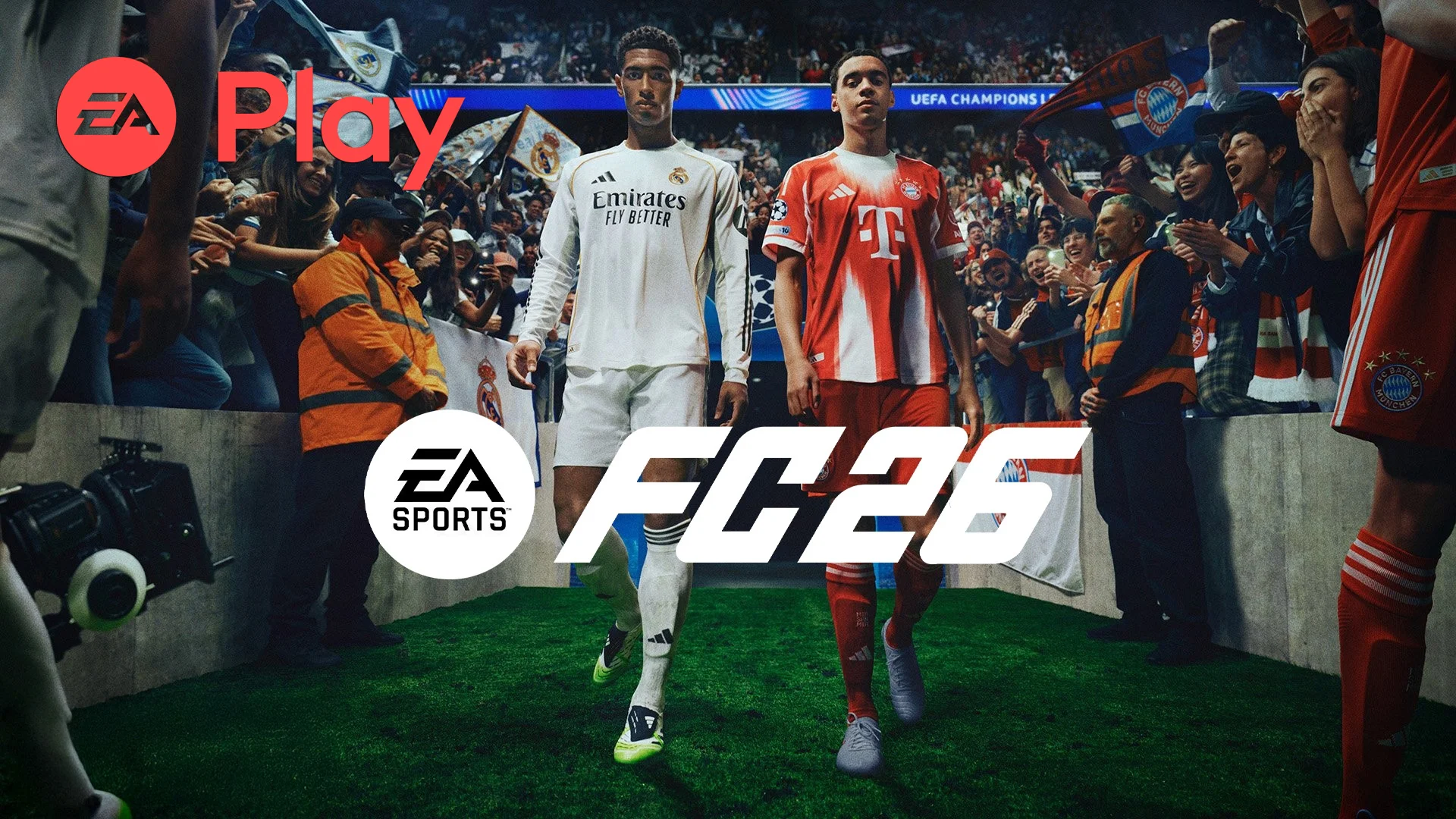
EA Sports FC 26 officially went live today for players with an EA Play or EA Play Pro subscription, granting them access to a 10-hour trial ahead of the Early Access release. But instead of smooth sailing, many PC users have run into problems launching the game.
EA acknowledged the issue on social media, posting: “We are investigating reports that some players are unable to launch the FC 26 EA Play and EA Play Pro trials on PC and are actively investigating.” At the time of writing, no fix has been announced, but EA has confirmed they are working to resolve it.
For players on console, and for those who manage to access the PC trial without issues, here’s everything you need to know about how the 10-hour trial works, when it goes live in your region, and how to install it.
How does EA Play Early Access work?
EA Play and EA Play Pro subscribers get a 10-hour trial of FC 26. This lets you play the full game with a timer running in the background. Once your hours are used up, you’ll need to wait until Early Access or the global launch to continue.
If you bought the Ultimate Edition of FC 26, you don’t need the trial. Instead, you can start full Early Access from September 19 at midnight local time (on console) or at midnight BST (on PC).

EA Play trial release times
Here are the official start times for the FC 26 10-hour trial across major regions:
- New Zealand (Auckland): September 19 – 12:00 AM
- Australia (Sydney): September 18 – 10:00 PM
- China (Beijing): September 18 – 8:00 PM
- Romania (Bucharest): September 18 – 3:00 PM
- France (Paris): September 18 – 2:00 PM
- United Kingdom (London): September 18 – 1:00 PM
- United States (New York): September 18 – 8:00 AM
You can access the trial if you’re subscribed to EA Play, EA Play Pro, or Xbox Game Pass Ultimate (which includes EA Play).
How to install the FC 26 EA Play trial
- Make sure your EA Play subscription is active on your platform.
- Head to the EA Sports FC 26 store page (EA App, Steam, Xbox Store, or PlayStation Store).
- Once the trial is live, the “Buy” button should switch to a Free Trial option.
- Download and install the trial, then jump in.
The trial will allow you to play for 10 hours total. Time continues running whenever the game is open, even if you pause.
What should you do if the PC trial doesn’t launch?
If you’re on PC and can’t access the game, you’re not alone. EA has confirmed it’s a widespread problem and is investigating. While waiting for a fix, you can try the following quick steps:
- Restart the EA App or Steam, then try again.
- Log out of your EA account and back in.
- Check for pending updates on the EA App or Steam.
- Keep an eye on the official EA Sports FC channels for updates.
Until EA resolves the issue, affected players will unfortunately need to wait.
A chance to test the game early
For those who can get in, the trial offers a first look at EA Sports FC 26 before Early Access begins on September 19. It’s also a useful way to test the game if you haven’t bought it yet, since the 10 hours give you a feel for gameplay, modes, and new features before making the purchase decision.

Comments