

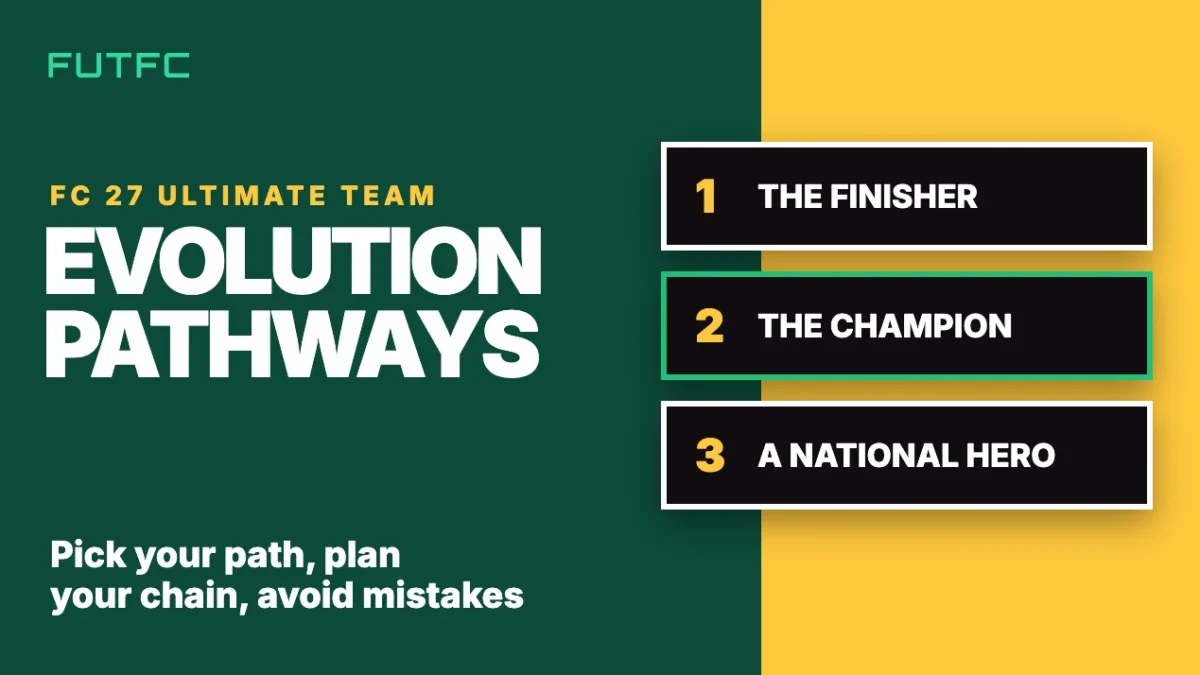
Evolutions in FC 27 upgrade a player you already own when you complete objectives with him, and Evolution Pathways are the new branching kind: at set points you pick one of several upgrade paths, so the same Evo can turn the same card into a different player. Linear Evos with one fixed route still exist alongside them.
| Step | What to do |
|---|---|
| 1 | Open Evolutions in Ultimate Team (reward Evos sit in the Rewards section) |
| 2 | Pick an Evo and read its requirements and upgrades |
| 3 | Use the Evolution Chain Preview to see the finished card and which other live Evos he still fits |
| 4 | Choose an eligible player from your club |
| 5 | On a Pathway Evo, select your initial path |
| 6 | Play the objectives with the player and claim each level as it completes |
The steps follow EA’s own description of Pathways in the FC 27 FUT Deep Dive and its David Luiz Pathway Evolution announcement. There is no button combination here: everything happens in the Evolutions menu.
Video: “The David Luiz Evo is HERE!” by The FUT Accountant on YouTube, a look at the first big Pathway Evolution.
Want more futfc.gg in your Google results?
Add to Preferred SourcesHow Evolution Pathways work
- A path is a set of upgrades. EA’s example is a choice between better dribbling plus the Technical PlayStyle, or better defensive awareness plus Jockey. Same Evo, two very different players.
- You choose after picking the player. In EA’s David Luiz Evo, you select an eligible Player Item first and then your initial pathway.
- Changing your mind depends on the Evo. EA says the David Luiz path can be swapped at any time until you claim a level. Some event Evos lock each choice for good, so read the Evo’s own text before you commit.
- Objectives unlock the levels. You play matches and complete objectives with the player, then claim each level to apply its upgrades.
- The player is locked while he evolves. EA says an item in an active Evo cannot be traded, discarded or used in SBCs until the Evo is done.
- Upgrades have caps. EA says Evolution upgrades are capped to a maximum value, and the number of PlayStyle+ an item can hold is now three, down from five.
Example: the David Luiz Pathway Evolution
The Hall of FUT David Luiz Evo was a free Club Member reward from November 1 for players who played both FC 26 and FC 27. EA gave it three paths and lets you finish it at your own pace.
| Path | Main upgrades |
|---|---|
| 1: The Finisher | Shooting, free kick accuracy, shot power, long shots and a dead ball PlayStyle |
| 2: The Champion | Defending, physical, passing, penalties and a defensive PlayStyle |
| 3: A National Hero | Pace, physical, passing, aggression and a build up PlayStyle |
When to use it
- Pick the path for your squad, not the biggest number. A defensive path on a CB you already use beats an attacking path on a player who sits on the bench.
- Plan a chain. Run the Chain Preview before you start, so the first Evo does not push the player past the entry limits of the next one you want.
- Use free and reward Evos first. Club Member and Hall of FUT Evos cost nothing, so they are the safest place to try a path.
Common mistakes
- Claiming a level too early. On Evos like David Luiz, claiming the first level is what locks your path. Decide first, claim second.
- Breaking a chain. Community guides point out that adding another Evo in the middle of a stepped Evo like Future Stars Academy can push the player over the next step’s max OVR. Check the caps of every step.
- Locking a player you need. While a player is evolving you cannot trade him or use him in SBCs, so do not start an Evo on a card you plan to submit this week.
- Trusting the app preview blindly. The FUT Accountant said the Web and Companion App preview of the David Luiz Evo could show the wrong upgrades, and starts his Evos on console. If something looks off, check it there before you claim.
What changed in FC 27
In FC 26, every Evolution was linear: one route, the same result for everyone. FC 27 adds Pathways with branching upgrade choices, and the Evolution Chain Preview, which shows the result of one Evo and which other live Evos the player is still eligible for. Before, you could only preview a single Evo.
EA also brought back the PlayStyles Lab with pre applied PlayStyles, gave all special items Role++ familiarity, and cut the PlayStyle+ limit per item from five to three.
| Guide | What you get |
|---|---|
| How to make coins in FC 27 | 7 ways to build your coin balance |
| Thunderstruck Tokens | How to earn them and what to buy |
| Black Friday trading guide | When to sell and when to buy |
| FC 27 SBCs explained | How Streamlined SBCs and Item Score work |
| FC 27 Evolutions | Every live Evo and the best players to use |
| FC 27 FUT Gallery | How the Gallery and its scoring work |
Still to come: how to level up the Season Pass fast on Saturday, November 28, and the full FC 27 Coins Guide on Sunday, November 29.
FC 27 Evolutions guide: FAQ
How do Evolutions work in FC 27?
You pick an Evo in the Evolutions menu, apply it to an eligible player from your club, and complete its objectives with that player. Each finished level adds the upgrades listed in the Evo, up to its caps. Pathway Evos also let you choose which set of upgrades you get.
Can you change your Evolution Pathway?
On the David Luiz Evo, EA says you can swap path at any time until you claim a level. Other Evos can lock each choice as soon as you make it, so check the text of the Evo you are using.
How do Evo chains work in FC 27?
You can run several Evos on the same player one after another, as long as he still meets each Evo’s requirements. The new Evolution Chain Preview shows the result of an Evo and which other live Evos he will still be eligible for, so you can plan the order.
Sources: EA Pitch Notes: FC 27 FUT Deep Dive and EA: FC 27 Month 1 Evolutions rewards, plus community guides.
Comments