

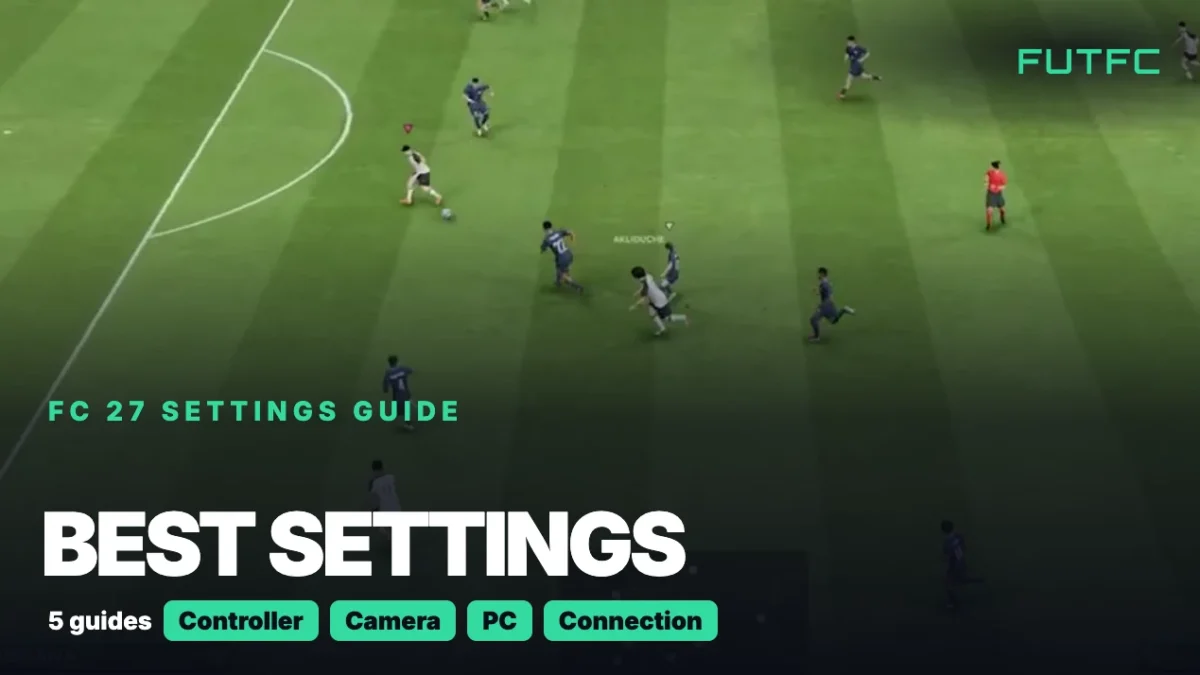
The best FC 27 settings are Pass Receiver Lock on Late, Analog Sprint off, the Tele Broadcast camera on Height 10 to 20 and Zoom 0 on a monitor, and Connection Monitoring turned on. This hub collects every setting worth changing on PS5, Xbox and PC and links to a full guide for each part.
| Setting | Set it to | Full guide |
|---|---|---|
| Pass Receiver Lock | Late | Controller |
| Clearance Assistance | Directional | Controller |
| Analog Sprint | Off | Controller |
| Auto Switching | Air Balls and Loose Balls | Switching |
| Auto Switching Move Assistance | None | Switching |
| Camera | Tele Broadcast (or Co-Op) | Camera |
| Height / Zoom | 10 to 20 / 0 | Camera |
| Power Shot Zoom | Off | Camera |
| Connection Monitoring | Ping and Connection Indicators | Server and ping |
| PC frame rate cap / V-Sync | 60 FPS / Off | PC |
These are starting points. Change one group at a time and play a Kick-Off match after each change, so you know what actually helped.
Every FC 27 settings guide
| Guide | What you learn |
|---|---|
| Best controller settings | Passing, shooting, switching and the Competitive Master Switch |
| Best camera settings | The best camera, plus Height and Zoom for your screen size |
| Best PC settings | Graphics settings for higher FPS and EA’s stutter fixes |
| How to see your server and ping | Live ping, lag icons and the input delay test |
| How to turn off crossplay | Every menu route and who you can play against |

How to set up FC 27: the short version
- Controller first. Open Settings, Game Settings, Controller Settings. Set Pass Receiver Lock to Late, Clearance Assistance to Directional and Analog Sprint to Off.
- Fix your switching. Set Auto Switching to Air Balls and Loose Balls, Move Assistance to None and Right Stick Switching Sensitivity to 4 or 5.
- Set your camera. Pick Tele Broadcast, set Custom Camera Settings to Custom, then Height 10 to 20, Zoom 0 and Power Shot Zoom off.
- Turn on your ping. Go to Settings, Game Settings, Visual, Connection Monitoring and pick Ping and Connection Indicators.
- Choose your opponents. In Ultimate Team, open Settings, Matchmaking Settings and set Cross-Play Enabled to Yes or No.
- On PC, lock your frame rate. Start from the Balanced preset, play in Fullscreen, cap at 60 FPS and turn V-Sync off.
Best controller settings in FC 27
The Competitive Master Switch is always on in Division Rivals, FUT Champions, Online Seasons, Co-Op Seasons and Clubs. It turns off Auto Shots, Auto Clearances, Auto Flair Pass and Assisted Headers, and it locks Jockey to Manual and Through Pass Assistance to Semi.
- Shooting: Shot Assistance on Precision, or Assisted if you often miss the target.
- Switching: Right Stick Switching on Classic with Player Relative.
- Feel: Simplified Skill Moves off, and Trigger Effect off on PS5.
Every option is explained in our controller settings guide.
Best camera settings in FC 27
| Screen | Camera | Zoom |
|---|---|---|
| Monitor up to about 27 inches | Tele Broadcast, Height 10 to 20 | 0 |
| 32 to 43 inch TV | Tele Broadcast, Height 10 to 20 | 3 to 5 |
| 50 inch TV or bigger | Tele Broadcast, Height 10 to 20 | Try 5 |
Want to see more of the pitch? Co-Op on Height 17 to 20 and Zoom 0 to 3 shows more of the runs in behind. Each match type has its own camera, so set online 11v11 and Clubs separately. The full breakdown is in our camera settings guide.
Best PC settings for FPS
- Preset: Balanced, or Performance on an older PC. Keep Enhanced Ultra Visuals off.
- Display: Fullscreen at your monitor’s native resolution, 60 FPS cap, V-Sync off.
- Heavy settings: Strand Based Hair off, Rendering Quality on Medium, Crowd and Grass Quality on Low.
- Still stuttering? Check that your RAM runs in dual channel and watch the VRAM indicator. Our PC settings guide has EA’s six steps.
Connection and crossplay settings
- Find the cause of lag. Set Input Overlay to Local Input + Online Response under Settings, Game Settings, Visual. A gap between the two means the delay comes from your connection.
- No server picker. FC 27 shows your ping, but not the server name, and you cannot choose a server. See how to see your server.
- Crossplay is on by default. Turn it off under EA Connect, Social Settings, Cross-Play, Cross-Play Settings. It will not fix lag. Our crossplay guide has every route, and our connection guide covers lag.
Common FC 27 settings mistakes
- Copying a pro’s whole setup at once. You lose track of which change helped.
- Leaving Custom Camera Settings on Default. The Height and Zoom sliders then do nothing.
- Blaming the PC for online lag. If offline matches are smooth, look at your connection or the server status.
What changed for settings in FC 27
- Switching matters more. AI defenders no longer tackle for you in Competitive gameplay, so landing on the right player is on you.
- Title Update 1.2.0 (10 November): auto switching now picks the player nearest the ball after a teammate’s slide tackle, a headed pass or a shot that misses. The settings menu did not change. Details in our Title Update 1.2.0 breakdown.
| Page | What you get |
|---|---|
| FC 27 Defending Guide | Every defending control that goes with these settings |
| FC 27 tactics | Formations and custom tactics |
| FC 27 server status | Check if EA’s servers are down |
FC 27 settings: FAQ
What are the best settings in FC 27?
Set Pass Receiver Lock to Late, Clearance Assistance to Directional, Analog Sprint off, Auto Switching to Air Balls and Loose Balls and Move Assistance to None. For the camera, use Tele Broadcast with Height 10 to 20, Zoom 0 and Power Shot Zoom off.
What are the best FC 27 settings on PS5?
The controller and camera settings are the same on PS5, Xbox and PC with a controller. The one PS5 extra is Trigger Effect, which adds resistance to the DualSense triggers. Most competitive players turn it off so sprinting and shooting feel the same every time.
What are the best FC 27 settings on PC?
Start from the Balanced preset, or Performance on an older PC. Play in Fullscreen with a 60 FPS cap and V-Sync off, turn Strand Based Hair off, set Rendering Quality to Medium and put Crowd and Grass Quality on Low. Our PC settings guide covers the rest.
Sources: EA Help on connection monitoring, Input Overlay and cross-play, EA’s FC 27 Pitch Notes and our own FC 27 settings guides.

Comments