

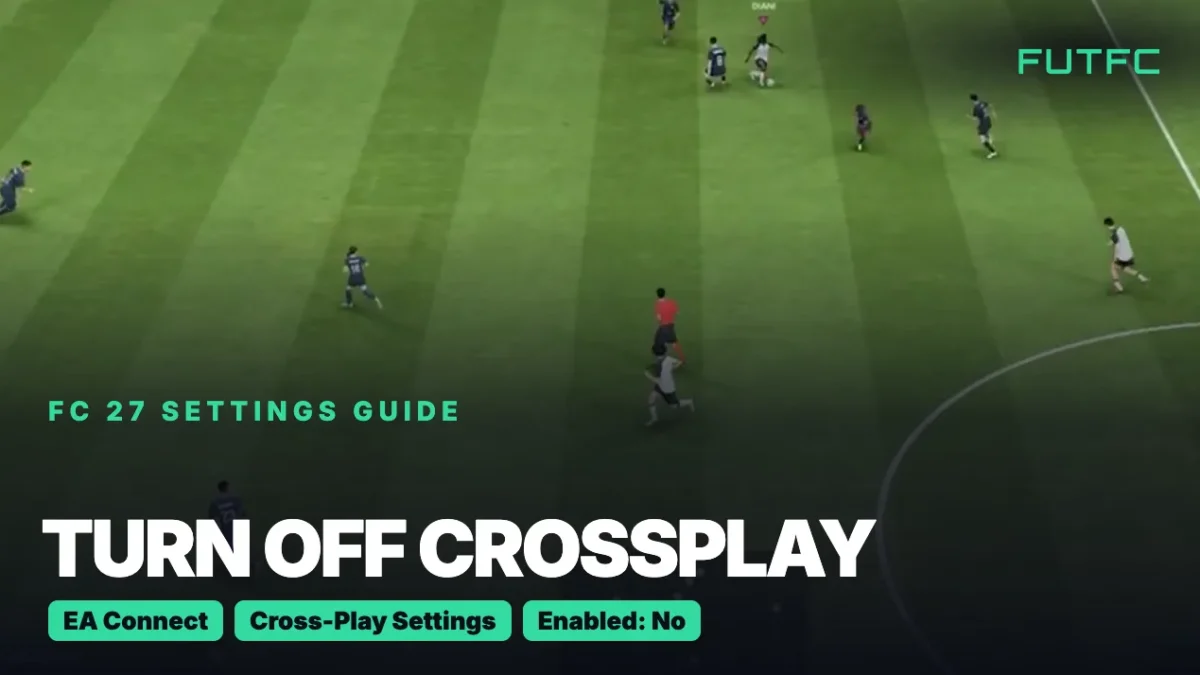
To turn off crossplay in FC 27, open EA Connect from the Main Menu, go to Social Settings, Cross-Play, Cross-Play Settings and set Cross-Play Enabled to No. EA lists the same steps for PS5, Xbox and PC, and you cannot change the setting during a match.
| Where you are | Menu path | Set this |
|---|---|---|
| Main Menu (EA Connect) | EA Connect, Social Settings, Cross-Play, Cross-Play Settings | Cross-Play Enabled: No |
| Ultimate Team | Ultimate Team, Settings, Matchmaking Settings | Cross-Play Enabled: No |
| Main Menu (Customise) | Customise, Online Settings, Matchmaking Options | Cross-Play Enabled: No |
All three routes lead to the same screen. Crossplay is switched on by default the first time you play, so you need to turn it off yourself if you only want opponents on your own platform.
Video: “How To Turn Off Crossplay On FC 27” by iHazCarrot on YouTube.
How to turn off crossplay in FC 27
- Finish or leave your match. The setting is locked while a match is running.
- Open EA Connect from the Main Menu.
- Open Social Settings.
- Select Cross-Play, then Cross-Play Settings.
- Set Cross-Play Enabled to No. To turn crossplay back on later, return here and pick Yes.
Already inside Ultimate Team? Skip EA Connect and go to Settings, Matchmaking Settings instead. It is the quickest route if you are about to queue for Rivals or Champions.
Who can you play with in FC 27?
| Your platform | Crossplay on | Crossplay off |
|---|---|---|
| PS5 | PS5, Xbox Series X|S, PC | PS5 only |
| Xbox Series X|S | PS5, Xbox Series X|S, PC | Xbox Series X|S only |
| PC | PS5, Xbox Series X|S, PC | PC only |
| PS4 | PS4, Xbox One | PS4 only |
| Xbox One | PS4, Xbox One | Xbox One only |
| Nintendo Switch and Switch 2 | No crossplay | No crossplay |
The generations never mix. A PS5 player cannot face a PS4 player, whatever the setting says.
Should you turn off crossplay?
- Turn it off if you only want to face players on your own console or PC.
- Keep it on if you play with friends on another platform, because they need to be in the same crossplay pool as you.
- Keep it on if you value fast matchmaking. A smaller pool of players can mean longer queues.
- Test it for a few matches. The switch takes seconds, so try both and compare your queue times.
Common mistakes
- Looking for the setting during a match. You cannot change crossplay until you are back in the menus.
- Expecting it to fix lag. Crossplay is a matchmaking setting. If your game feels slow, check your ping and connection first.
- Thinking it moves your club. Crossplay is not cross-progression. You can carry progress from PS4 to PS5 or Xbox One to Xbox Series X|S, but not from PlayStation to Xbox.
- Forgetting the Xbox privacy settings. If you cannot play with friends on other platforms on Xbox, check that cross-network play is allowed in your Xbox privacy settings. On a child account, a parent controls this through family settings.
| Guide | What you get |
|---|---|
| Best FC 27 controller settings | Receiver lock, sprint, switching and passing assists |
| Best FC 27 camera settings | The camera, height and zoom that let you see the whole pitch |
| How to see your server and ping | Live ping, lag icons and the input delay test |
| FC 27 PC settings | Graphics settings for higher FPS and less stutter |
| FC 27 connection guide | Connection Score, jitter and every lag fix from EA |
Still to come: the full FC 27 Settings Guide on Sunday, November 22.
FC 27 crossplay: FAQ
Is FC 27 crossplay?
Yes. PS5, Xbox Series X|S and PC play together, and PS4 and Xbox One form their own group. Nintendo Switch and Switch 2 do not have crossplay in FC 27.
Is FC 27 crossplay with PC?
Yes. PC players are grouped with PS5 and Xbox Series X|S. If you do not want to face PC players on console, set Cross-Play Enabled to No, and you will only be matched with players on your own platform.
Is FC 27 Clubs crossplay?
Yes. Clubs is part of The Grounds, and players on PS5, Xbox Series X|S and PC can play together there. Clubs is not available on PS4 or Xbox One, and Switch 2 players get The Grounds without crossplay.
Sources: EA Help: Cross-play in EA SPORTS FC and EA Help: How to navigate The Grounds, plus independent FC 27 crossplay guides.

Comments